
How to Protect Your Phone While Traveling Abroad
Your phone is your most important travel tool — and your biggest security liability. Here's how to protect it.
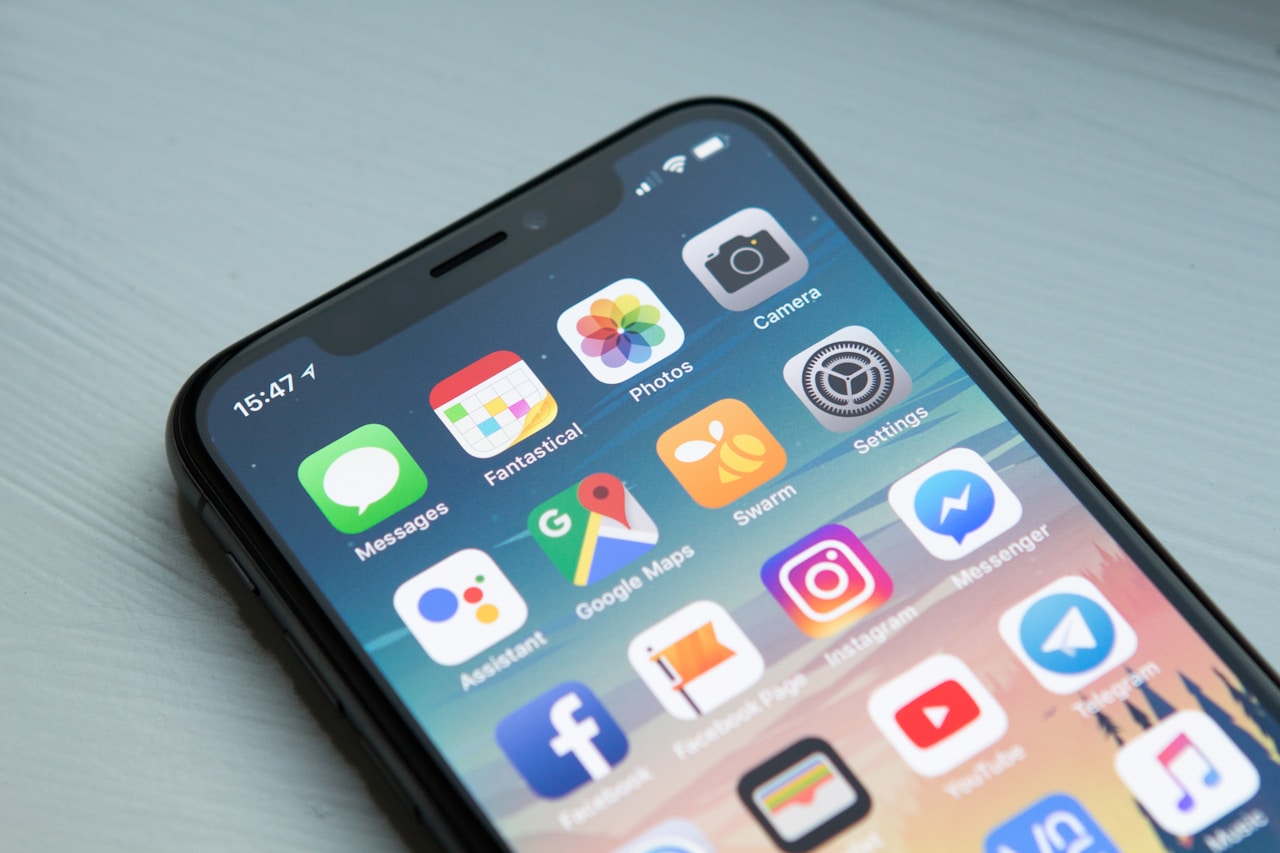
Your mobile phone is, by a considerable margin, the most sensitive object you carry when you travel. It contains your banking apps, your boarding passes, your accommodation confirmations, your contacts, your photos, and often your passport details stored in a travel app. It's also the object most likely to be targeted by thieves and, increasingly, digital attackers who exploit the specific vulnerabilities of travellers on public networks in unfamiliar places. This guide covers every layer of mobile security that matters for travellers — from physical protection to cybersecurity fundamentals — without the technical jargon that makes most security guides unreadable.
Planning this trip?
Find flights now
Compare prices across 700+ airlines and OTAs in one search — find the real lowest fare without the inflated middleman markup.
Search flightsNeed a place to stay?
Search hotels
Why Mobile Security Matters More When Travelling
The risks to your mobile device are meaningfully higher when you're travelling than when you're at home — for several interconnected reasons. You're using unfamiliar networks far more frequently. At home, you know your home WiFi is secure and you rarely need to connect to public networks. Abroad, you're connecting to hotel WiFi, airport WiFi, café WiFi, and the networks of countless venues — most of which have unknown security configurations. You're in crowded, distracting environments where phone theft becomes more likely. Tourist areas worldwide are precisely the environments where pickpockets and opportunistic thieves operate most efficiently. You're less alert than usual — jet lag, navigating an unfamiliar city, and the general cognitive load of travel reduce the situational awareness that protects you at home. You're far from your usual technical support. If your phone is compromised or stolen at home, you have your home network, your carrier's local shop, and familiar systems. Abroad, you have none of these. The combination of these factors makes travel a disproportionately high-risk environment for mobile security. The good news: the protective measures are not technically complicated and cost very little to implement.
Use a VPN — Every Time You Use Public WiFi
A VPN (Virtual Private Network) encrypts the traffic between your device and the internet, making it unreadable to anyone on the same network — whether that's a hacker in the same café or a misconfigured hotel router. This is non-negotiable on any public WiFi abroad. The standard attack on public WiFi is called a man-in-the-middle attack: an attacker intercepts communications between your device and the network, capturing login credentials, session tokens, or financial data. A VPN prevents this by encrypting your data before it leaves your device. For travellers, the most practical VPN options are: ExpressVPN (fast, reliable, works in countries with VPN restrictions), NordVPN (strong privacy features, large server network), and ProtonVPN (open-source, free tier available). All three have apps that work on iOS and Android and connect in under 10 seconds. Set your VPN to auto-connect on untrusted networks in the settings — this removes the need to remember to turn it on every time. Note: some countries (China, Iran, Russia, UAE) restrict or ban VPN use. Research the regulations for your specific destination before departure. Your mobile carrier's data plan is often safer than local WiFi for sensitive transactions — 4G/5G connections are significantly harder to intercept than WiFi. A local SIM card or international data plan is worth the cost for this reason alone.

Physical Protection for Your Device
Phone theft is a far more common travel problem than hacking, and the physical protection measures are straightforward. A quality phone case with some drop protection is the baseline — choose one that covers the corners, which are the most vulnerable point for impact damage on travel surfaces like cobblestones and airport tiles. A tempered glass screen protector is worth the £10–£15 investment; cracked screens in unfamiliar cities are both expensive and difficult to repair. For theft prevention: never place your phone on a restaurant table in tourist areas — it takes two seconds to grab and the thief is gone before you register what happened. Carry your phone in a zipped bag pocket or inside a zippered compartment of your daypack. In known pickpocket areas (crowded transit, market areas, tourist sites), move your phone to a front pocket or an inside jacket pocket. In higher-risk destinations, consider a phone holder that goes under your clothing — travel security brands like Pacsafe, Lewis N. Clark, and Eagle Creek make undergarment security pouches designed specifically for this. Enable your phone's remote location and wipe functionality before you depart: Find My iPhone (iOS) and Find My Device (Android) allow you to locate, lock, or remotely erase your phone if it's stolen. Ensure these are active before your trip and that your Apple ID or Google account password is strong and uses two-factor authentication.
Smart Security Settings Before You Leave
Several settings changes before departure significantly improve your mobile security while travelling. Enable full-device encryption — on Android, this may require manually enabling; on iOS, it's enabled automatically when you set a passcode. Enable two-factor authentication on every app that offers it: your email, banking apps, social media, and travel apps. Use an authentication app (Google Authenticator, Authy) rather than SMS-based 2FA when possible — SMS 2FA can be compromised through SIM-swapping attacks. Set a strong alphanumeric passcode rather than a 4 or 6 digit PIN. In some international contexts, authorities can compel biometric access (fingerprint, face ID) but not a PIN. Disable 'auto-join known networks' in your WiFi settings — this prevents your phone from automatically connecting to networks with the same name as your home networks. Audit which apps have background location access and turn off those that don't need it. Review which apps have access to your camera, microphone, and contacts and revoke any that don't clearly need them. Update your operating system and all apps before departure — security patches in updates protect against known vulnerabilities that attackers target.
What to Do If Your Phone Is Stolen
Having a clear plan for phone theft before it happens dramatically reduces the chaos if it does. Step one: use a separate device or computer (hotel business centre, friend's phone) to immediately access your Google or Apple account and activate remote lock. If you cannot recover the device, initiate remote wipe. Step two: call your carrier to suspend service. This prevents your SIM from being used for calls, data, or SMS-based authentication. Most carriers have international lines for this; save the number in your email before you travel. Step three: change the password on your email account immediately — this is the master key to most of your other accounts' password recovery. Step four: notify your bank if you had banking apps installed. Most banks will suspend your account access while you verify your identity through another channel. Step five: file a police report at the nearest police station. This is required by most travel insurance policies for claims and provides official documentation. Step six: contact your travel insurance provider — most thorough travel insurance policies cover mobile phone theft, though often with a substantial excess and requiring proof of purchase. Keep your phone purchase receipt in cloud storage before departure. Maintaining a separate note in your email with all critical account credentials (not passwords themselves, but recovery phone numbers and security question answers) saves enormous time in this scenario.
Backing Up Your Travel Data Before You Go
The most underrated mobile protection strategy for travellers has nothing to do with the phone itself — it's backing up your data before you leave. A stolen or damaged phone is a serious but recoverable problem if your data is backed up. It becomes a catastrophic problem if your photos, contacts, accommodation confirmations, and travel documents exist only on the device. iCloud (iOS) and Google Drive (Android) both offer automatic photo backup — enable this and verify it's working before departure. Google Photos and iCloud Photos both sync to the cloud in the background; your photos survive even if your device doesn't. For critical travel documents: scan your passport, visa, travel insurance certificate, and accommodation confirmations and email them to yourself. Store digital copies in a cloud service accessible from any device. A travel document wallet app like Tripit or TravelBank can consolidate all your reservation confirmations in one place that's accessible from any browser. Consider a portable power bank (10,000–20,000mAh capacity) to avoid the temptation of using unknown public USB charging ports — 'juice jacking' attacks that use malicious USB ports to install malware are a documented risk at airports and charging stations in some regions. Use your own adapter and wall socket rather than shared USB ports for charging when at all possible.
Physical Protection That Actually Travels Well
The case you use at home probably isn't adequate for travel. A commute drop onto carpet is very different from a cobblestone stumble in Lisbon or a beach bag that traps sand against your screen. For travel, aim for at least MIL-SPEC drop rating (MIL-STD-810G), a raised bezel of at least 1.5mm around the camera module, and a case that doesn't add so much bulk that you stop using it. A tempered glass screen protector rated 9H hardness is non-negotiable for destinations where phone repair shops are scarce or pricey. Apply it before you leave, not at the airport. For beach or water destinations, a waterproof pouch rated IPX8 costs under $15 and turns any phone into a beach-proof camera—far cheaper than the $400+ water damage bill most travel insurers won't cover (check your policy: many electronics damage exclusions are buried in the fine print).
Digital Security: SIM Swaps, Public Wi-Fi, and Theft Recovery
Physical damage is only half the threat. Three digital risks spike while traveling: SIM swap fraud (criminals convince your carrier to transfer your number), public Wi-Fi interception, and theft that bypasses your lock screen. Before departure: enable your carrier's SIM lock or PIN (not the same as your device PIN), set up a travel eSIM on a separate data-only number so your main number stays unused and unexposed, and enable Find My (iOS) or Find My Device (Android) with Offline Finding turned on—this lets the phone broadcast its location via Bluetooth even when no SIM or Wi-Fi is active. On the road: use a VPN on any public Wi-Fi, especially in airports and hotel lobbies. Free VPNs have well-documented data-harvesting practices; a paid option like Mullvad or ProtonVPN costs $5–10/month and doesn't log activity. For high-theft destinations (Barcelona, Rome, Rio), consider a decoy phone case that hides a card slot—your real cards stay in your money belt, not in the obvious phone wallet that pickpockets target first.
Frequently asked questions
Yes, if you use any public WiFi — hotel, airport, café — for anything more sensitive than looking up a restaurant. A VPN encrypts your internet traffic, protecting your banking credentials, email, and personal data from interception on insecure networks. ExpressVPN and NordVPN are the most reliable options for travellers.
Get there
Flights
One search across 700+ airlines — find the real lowest fare for your dates.
Search flightsWhere to stay
Hotels
Browse verified hotels and stays — instant confirmation, secure booking.
Book on KKdayThings to do
Activities
Tours, attractions, and day trips — free cancellation on most experiences.
Book on KlookTours & Experiences
Book the experiences, not just the trip
Skip-the-line tickets, guided tours, and day trips — free cancellation on most, confirmed instantly.
About the author
Marcus Chen
Hotels & Deals Editor · Based in New York City
Marcus reviews hotels for a living — and has slept in over 400 of them. Before TravelBuzzy, he ran the hotel desk at a major loyalty publication and consulted for two boutique hotel groups. He covers the Americas, Japan, and luxury travel.
More from The Edit

Travel Guides
Business Travel Guide 2026: Tips, Tools & Savings
Corporate travel done right — the guide for people who travel for work and want to actually enjoy it.
10 min read

Travel Guides
Solo Travel Tips: The Complete Beginner's Guide
Everything you actually need to know before you go alone — from a traveller who's done it wrong first.
10 min read

Travel Gear
Travel Outfits for Women — The 2026 Guide to Looking Pulled-Together on the Road
The best travel outfits do three things: survive an 8-hour flight without wrinkling, work for both cathedral visits and rooftop dinners, and let you walk 12 km without regretting your shoe choice. Here is how to actually build them.
10 min read